US Passport Guide · Last verified: August 12, 2026
How to Print a Passport Photo at CVS, Walgreens, or Walmart
You have a compliant digital file from PixID /idphoto. This guide covers the $0.35 retail print workflow — no home printer, no $15 in-store photo service.
Written by the PixID.studio compliance team · August 2026. See State Department photo requirements.
Start with a compliant file — $4.99
PixID checks and crops your photo — does not alter your face — then exports a printable 4×6 sheet.
Get My Photo at /idphoto →TL;DR: Upload your PixID printable sheet to cvs.com/photo, photo.walgreens.com, or walmart.com/photo. Order 4×6 inch — ~$0.35. Same-day pickup, cut to 2×2 at home.
Why print at retail
In-store passport photo services (CVS, Walgreens, FedEx) charge $14–$18 for two printed photos. If you already have a compliant digital file, you can skip the photo service entirely and just print a 4×6 sheet at the same stores for $0.25–$0.50. Cut it yourself — done.
This works because the State Department and other passport authorities care about the photo specs, not who printed it.
What you need before you go
- The file you downloaded from PixID — do not resize, filter, compress, or re-save it. The file is already the correct dimensions and resolution.
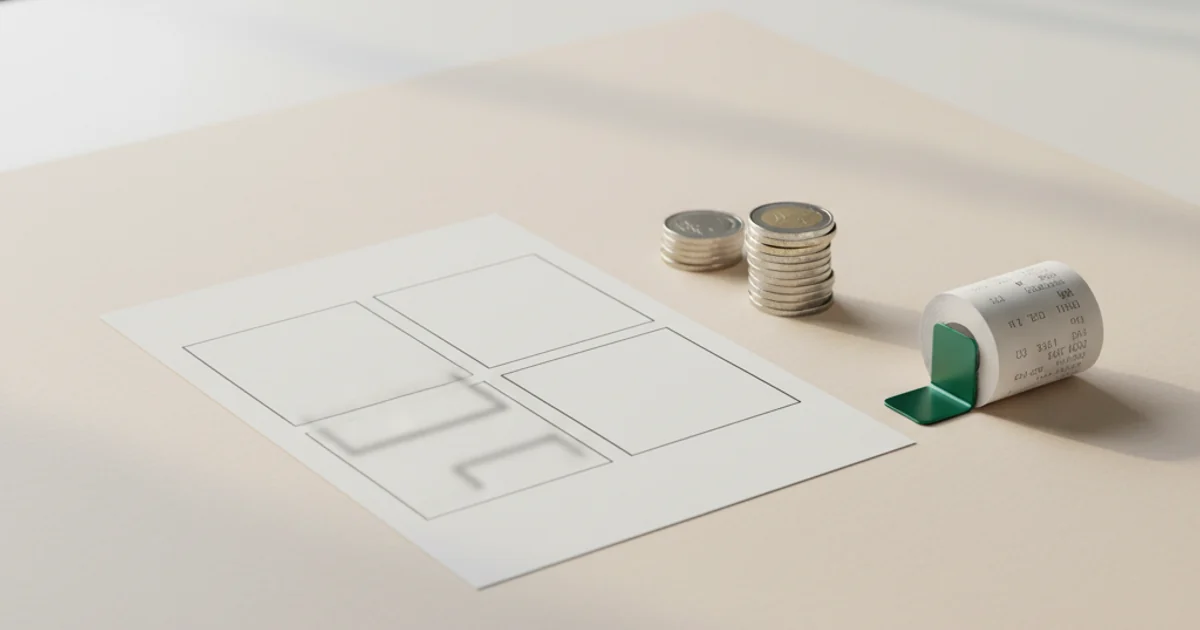
- Use the printable sheet option — on the PixID download page, select "Printable sheet." This gives you a single 4×6 file with multiple passport-size images already laid out with crop marks. Print the whole sheet and cut along the lines.
- If you only have the individual photo file (not the sheet), print it as a 4×6 and cut one 2×2 image from it — or use an online layout tool to create a multi-image sheet first.
CVS Photo
Online (recommended):
- Go to cvs.com/photo
- Upload your 4×6 printable sheet file
- Select size: 4×6 inch, quantity: 1, finish: glossy or matte
- Choose your local CVS for same-day pickup
- Pay online, pick up in ~1 hour
In store: Use the CVS photo kiosk. Insert a USB drive with your file, or log into your CVS photo account. Select the image, choose 4×6, pay at the kiosk, and wait for the print.
Price: ~$0.35 per 4×6 print.
Walgreens Photo
Online (recommended):
- Go to photo.walgreens.com
- Upload your printable sheet file
- Select 4×6, choose same-day pickup at your local store
- Pay and pick up in ~1 hour
In store: Use the Walgreens photo kiosk. Insert USB or access photos uploaded online. Select 4×6, pay, collect prints.
Price: ~$0.35 per 4×6 print.
Walmart Photo
Online (recommended):
- Go to walmart.com/photo
- Upload your printable sheet file
- Select 4×6, choose your store, checkout
- Same-day pickup at most locations
In store: Walmart photo kiosks accept USB drives. Select your image, choose 4×6, pay.
Note: Walmart also offers an in-store passport photo service where they take your photo. That is separate — and costs more. You want the self-service print option using your own file.
Price: ~$0.25–$0.35 per 4×6 print.
Cutting to size
After pickup, cut the sheet along the crop marks with scissors or a paper trimmer. For US passport photos (2×2 inches / 51×51 mm):
- Use a ruler and sharp scissors, or a paper trimmer for clean edges
- Cut exactly to 2×2 — no white border should remain
- Edges should be clean and straight
If you printed the PixID printable sheet, the crop marks are already on the sheet. If you printed just the individual photo on a 4×6, measure and cut one 2×2 from the center.
Quality check after pickup
Before submitting your application, check the print:
- Colours look natural — no strong colour tint, skin tones accurate
- Sharp and clear — not blurry or pixelated
- No defects — no scratches, smudges, or printer lines across the face
- Background is uniform — no colour variation or shadows in the background
If something looks off, ask the store to reprint. The issue is usually the kiosk printer settings, not your file. Your PixID file is correct — show them the digital version to compare.
Don't have your compliant photo yet?
Create a compliant digital photo at PixID — then use this guide to print it at CVS, Walgreens, or Walmart for $0.35.
Get My Photo — $4.99Free redo if size, background, or head ratio fails (per Terms)
Frequently asked questions
Can I print a passport photo at CVS for $0.35?
Will a retail-printed photo be accepted for a passport?
What size should I order at the kiosk?
Can I use Walmart instead of CVS or Walgreens?
Do I need to tell the store it's a passport photo?
What if the kiosk changes the colours or crops the image?
See also
- Print Passport Photos for $0.35 — main retail guide
- How the 4×6 passport photo layout works
- Home printing: DPI, paper, and settings
- CVS Passport Photo — In-store service
- Walgreens Passport Photo — In-store service
- US Passport Photo Requirements — Full Guide
- US Passport Online Renewal — Digital Photo Specs